


PDF that looks printed
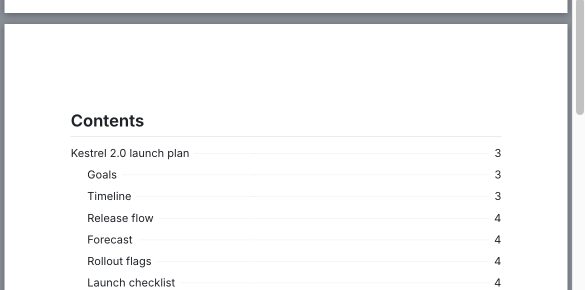
A cover, a table of contents with page numbers, headers and footers, five document themes. Word and standalone HTML too.
NEWVersion 1.1 for macOS, Windows and Linux
Dawn Doc opens any .md file as a clean, formatted page you edit like a Word document. Underneath, it is still the plain Markdown file you started with.
No account. No subscription. Works offline.
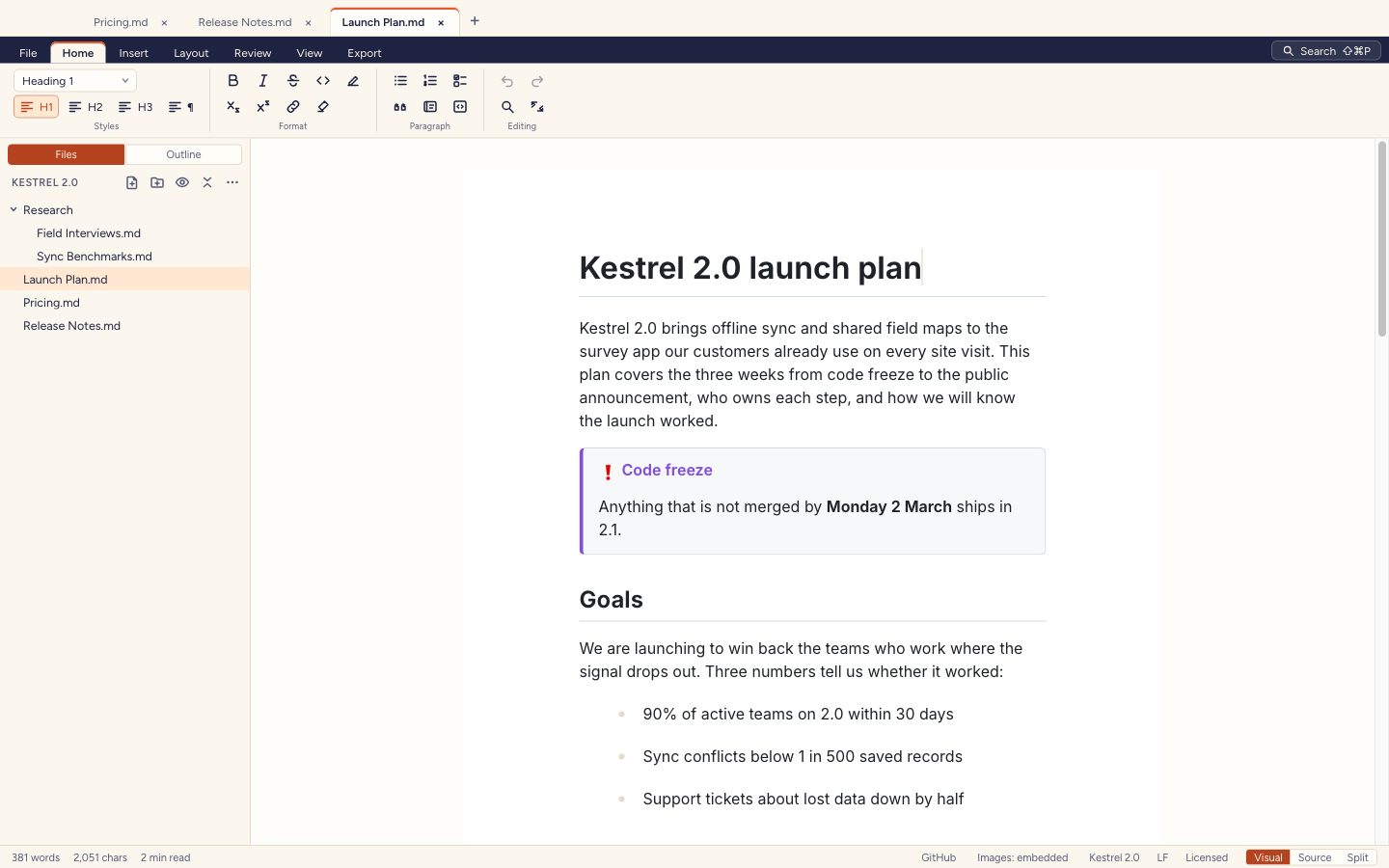
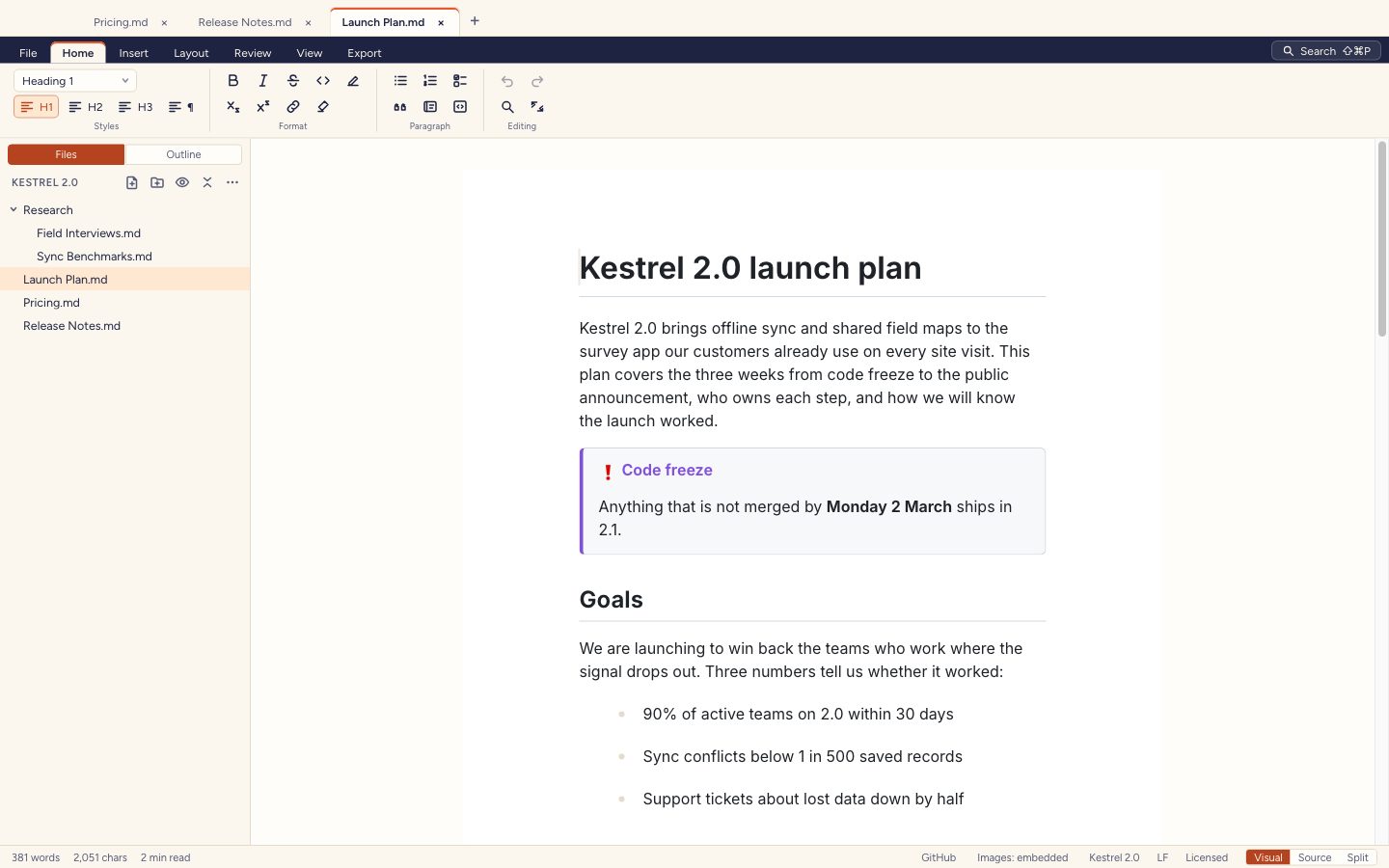
Edit a formatted page, with a ribbon like a word processor.
One file, two views
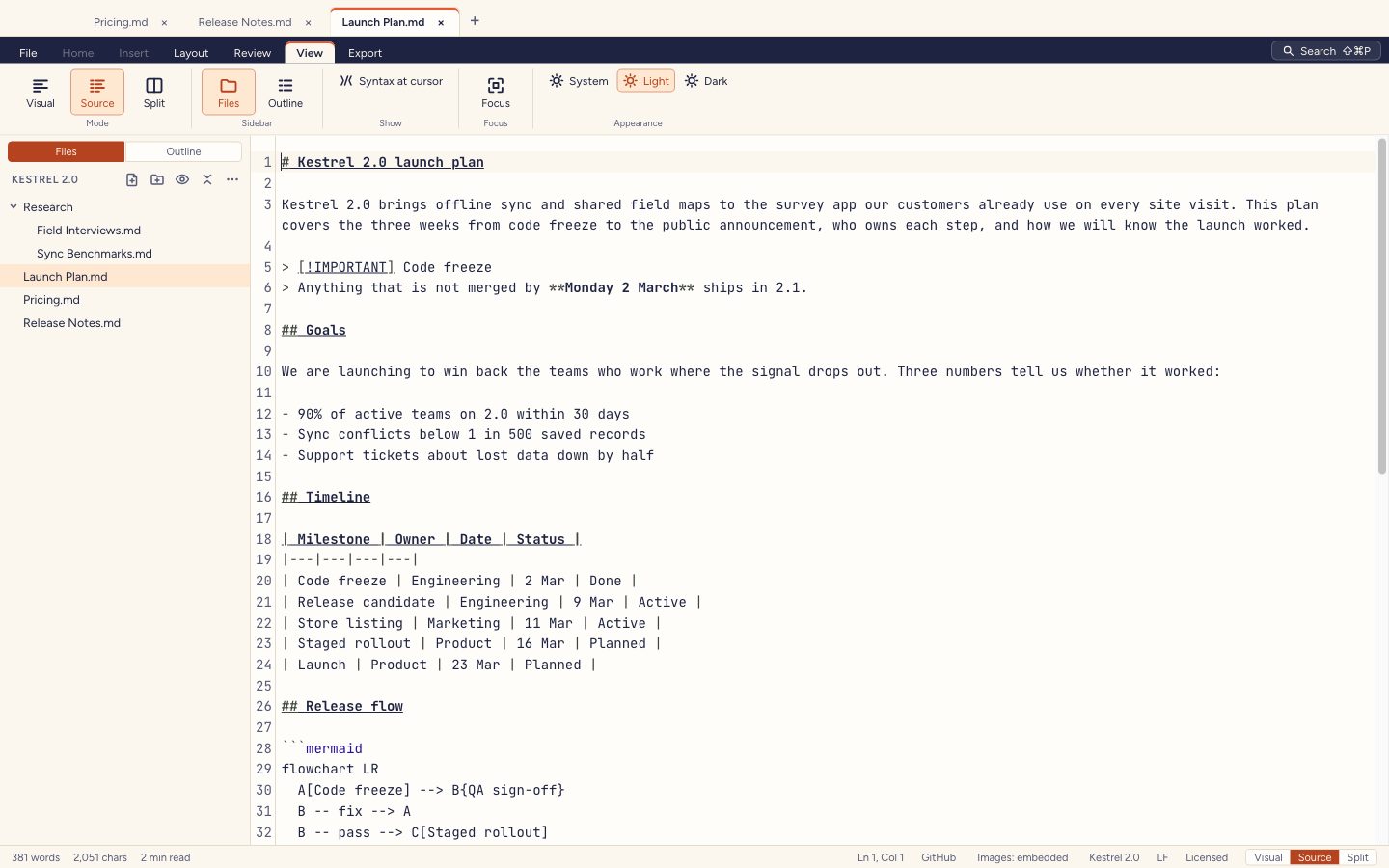
Write on a formatted page with a ribbon, right-click menus and a slash menu. Switch to the source with one click when you want the raw text, or keep both open side by side.
Drag the handle, or focus it and use the arrow keys.
Everything a document needs
A cover, a table of contents with page numbers, headers and footers, five document themes. Word and standalone HTML too.
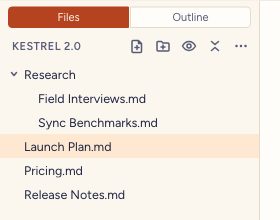
Browse a folder of notes in the sidebar and reorder a document's sections from its outline.
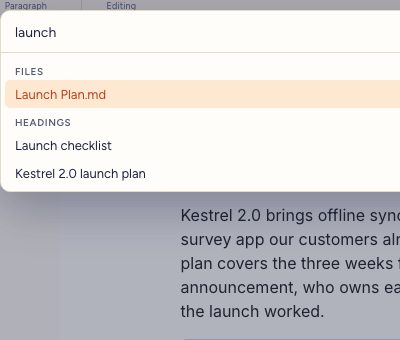
The command palette jumps to any file, heading or command. Find and replace works in both views.
Tables, images, callouts, task lists, math, Mermaid diagrams and footnotes, all saved as standard Markdown.
| table |> [!NOTE]- [x] task$E=mc^2$```mermaid[^1]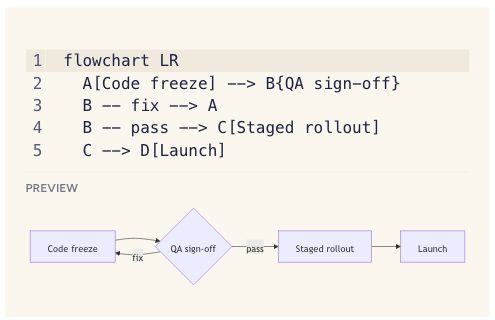
Document themes
Five built-in themes for the page and its PDF, or write your own in CSS. A theme is remembered per document in its frontmatter.
Dawn Doc has no account and no cloud. It goes online only to activate or deactivate a licence, and to load web images a document links to.
Download, open a file, write.
Even activation can be done from another device.
.md in, .md out. Open them anywhere.
The trial starts the first time you open Dawn Doc. After it, files still open for reading, copying and printing until you add a licence.
Licence
US$10
Once. Yours to keep.
Use it on up to 3 of your computers, on any mix of systems. Updates to 1.x included.
See pricing

